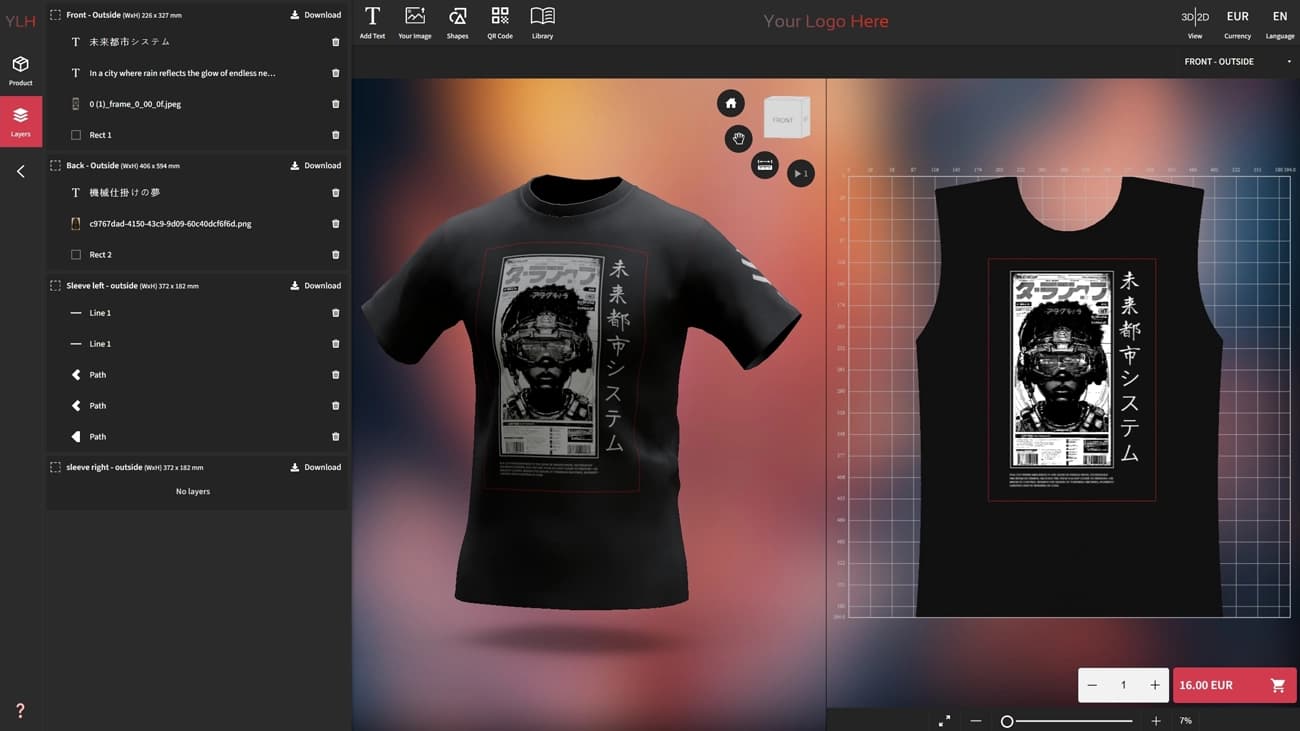
3D / 2D Product Customizer
Let your customers personalize your products with graphics, text, QR codes, or patterns - directly in 3D or 2D, live and in real time. Perfect for your Print-On-Demand service, personalized gifts and branded merchandise.
3D Product Customization for E-commerce

For e-commerce, print-on-demand brands & creators
Pricing · Documentation · Demo
Let your customers personalize your products with graphics, text, QR codes, or patterns - directly in 3D or 2D, live and in real time. Perfect for your Print-On-Demand service, personalized gifts and branded merchandise.

Give your buyers an option to choose between predefined sizes, colors, materials, printing methods with live pricing. Great for configurable and made-to-order catalogs.

Showcase your product in 3D, AR. Customize lighting, background and camera view and let customers explore your product interactively on any device.

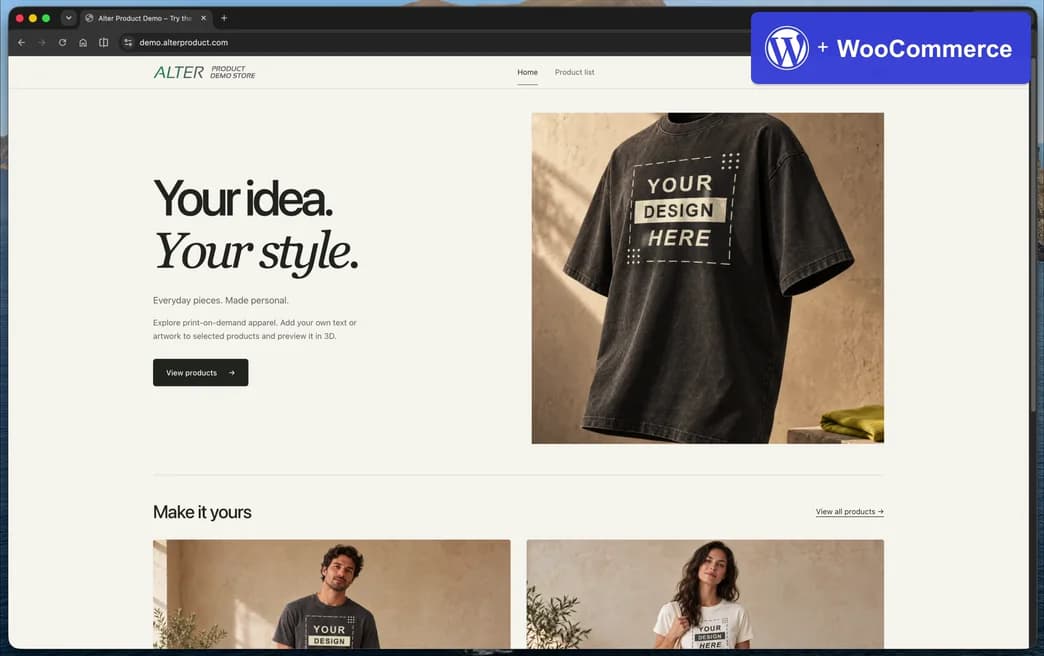
Alter Product compatible with WooCommerce®
Open a live WordPress + WooCommerce store with Alter Product tools embedded on product pages. Test Customizer, Configurator, and Viewer inside a real shopping flow.
Seamlessly connect with the popular e-commerce platforms or custom stack using API.
Keep your files on your infrastructure. Expanding your own storage carries no additional Alter Product storage fee.
Connect with print-on-demand providers and order products through the Alter Product plugin.


Generate AI images with your own OpenAI or Google Gemini API key using BYOK.


Start live in minutes
Install the plugin from the plugin directory (e.g. WordPress.org), use the automatic connection to link Alter Product to your store and follow the installation steps.
Create a project in Designer and assign it to a product. Then synchronize variants with the product in your store, for example in WooCommerce. Save your changes and publish the product.
Simulate cart actions and make sure everything works the way you want.
Share your products with customers - let them configure, customize, and buy directly on your site.
Everything you need to create, personalize, generate mockups and sell products online. The app and plugin are available in 22 language versions, including English, Simplified Chinese, Hindi, Spanish, Arabic and French. Reach customers around the world.
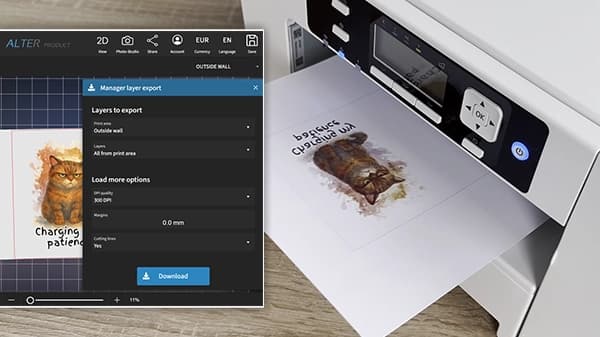
Export any design as high-resolution, print-ready files in PDF, SVG or PNG. Use them for your own production or connect your store to Printify or Printful with the Alter Product plugin for WordPress + WooCommerce and fulfill orders through print on demand (POD) - with no additional order handling fees from Alter Product. Color reduction and halftone update live for DTF, screen printing and embroidery, according to the selected method.
View details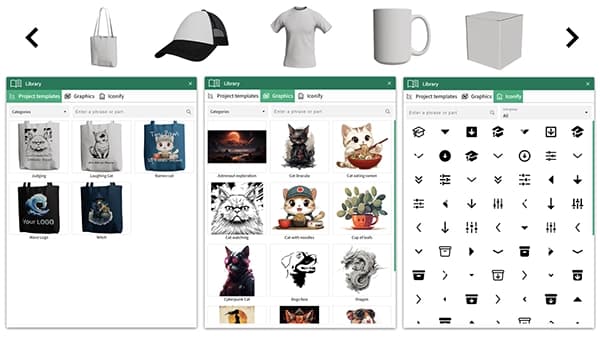
Manage 3D models, product designs, images, templates, backgrounds and many other assets. Upload your own assets or import them from the ready-to-use Alter Product library. Reuse them in projects or share them with your customers in WooCommerce so they can create and order products even faster.
View details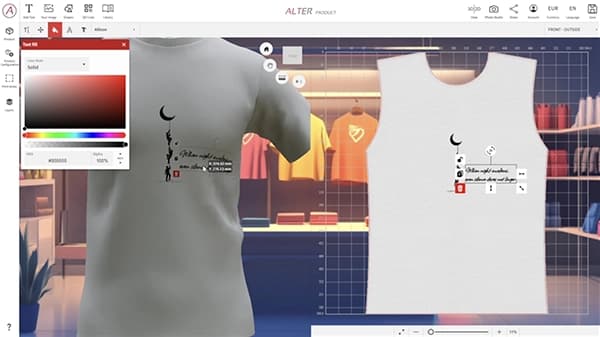
Design in 2D or directly on 3D models. Choose from over 1,800 Google Fonts and curve your text. Add images, remove backgrounds automatically or manually, vectorize artwork and refine it with filters, including advanced halftone effects. Create complex vector graphics, add simple shapes, generate QR codes and mask layers. And that is just part of what you can do.
See details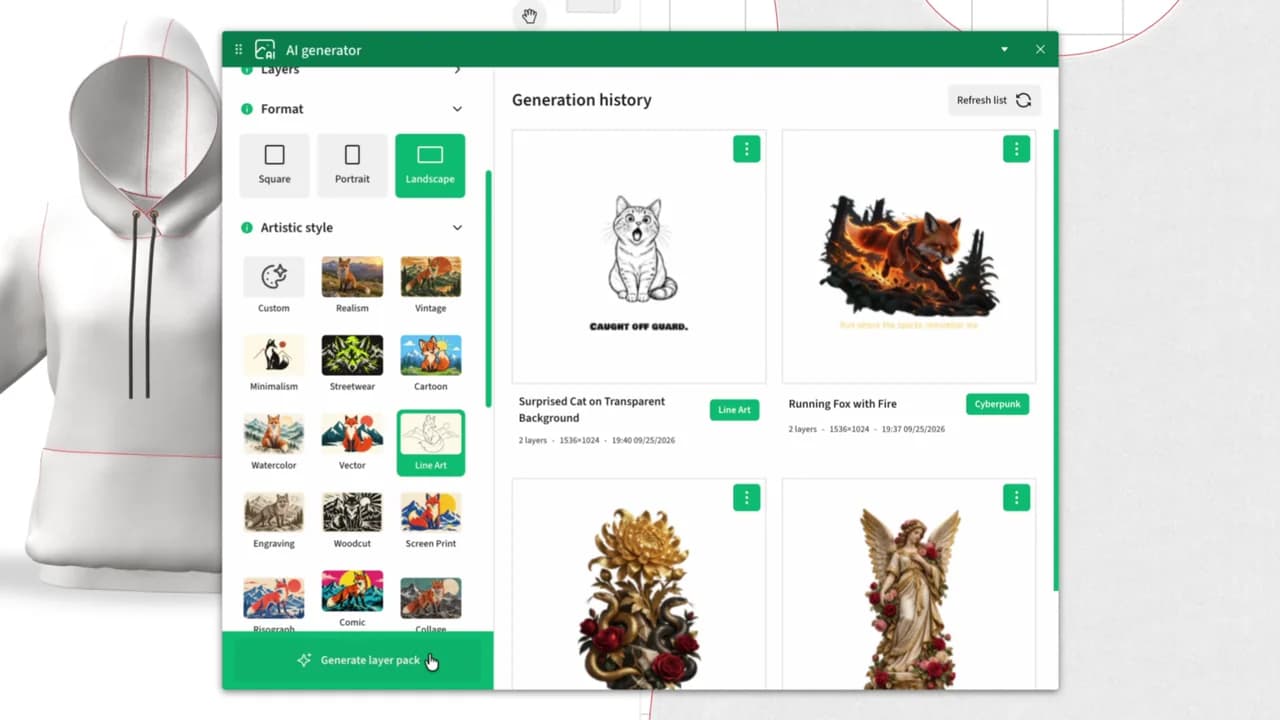
Connect your own OpenAI or Google Gemini API key (BYOK - Bring Your Own Key) and generate images from prompts. Choose styles and backgrounds - including transparent backgrounds with OpenAI. Add the generated images to your project and refine them with the available editing tools. Use your own account with your chosen provider and stay in control of costs - you only pay for generation when you use it.
View details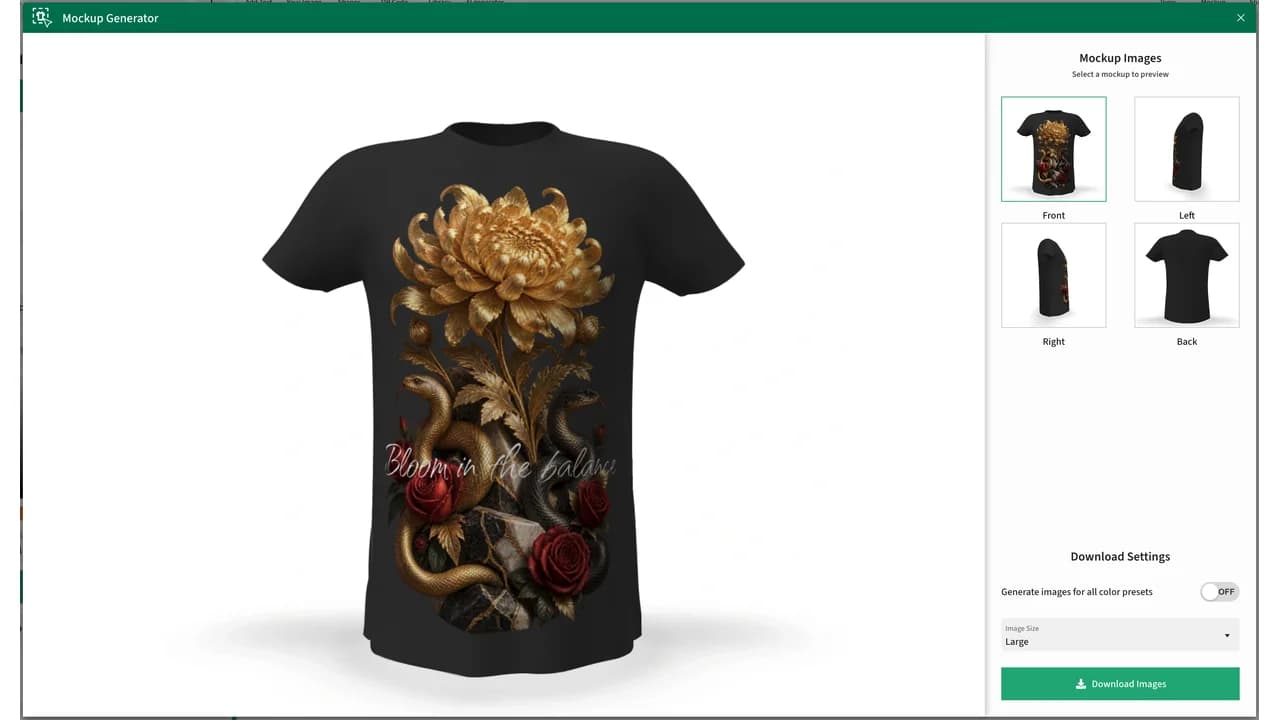
You can create your own mockup generators while building a 3D model or use ready-made ones. Turn designs from Product Designer and Customizer into finished visuals - quickly and with consistent results. In Customizer, a mockup of the customer’s design is generated automatically when the product is added to the cart, giving the customer an instant preview of the design they ordered.
View details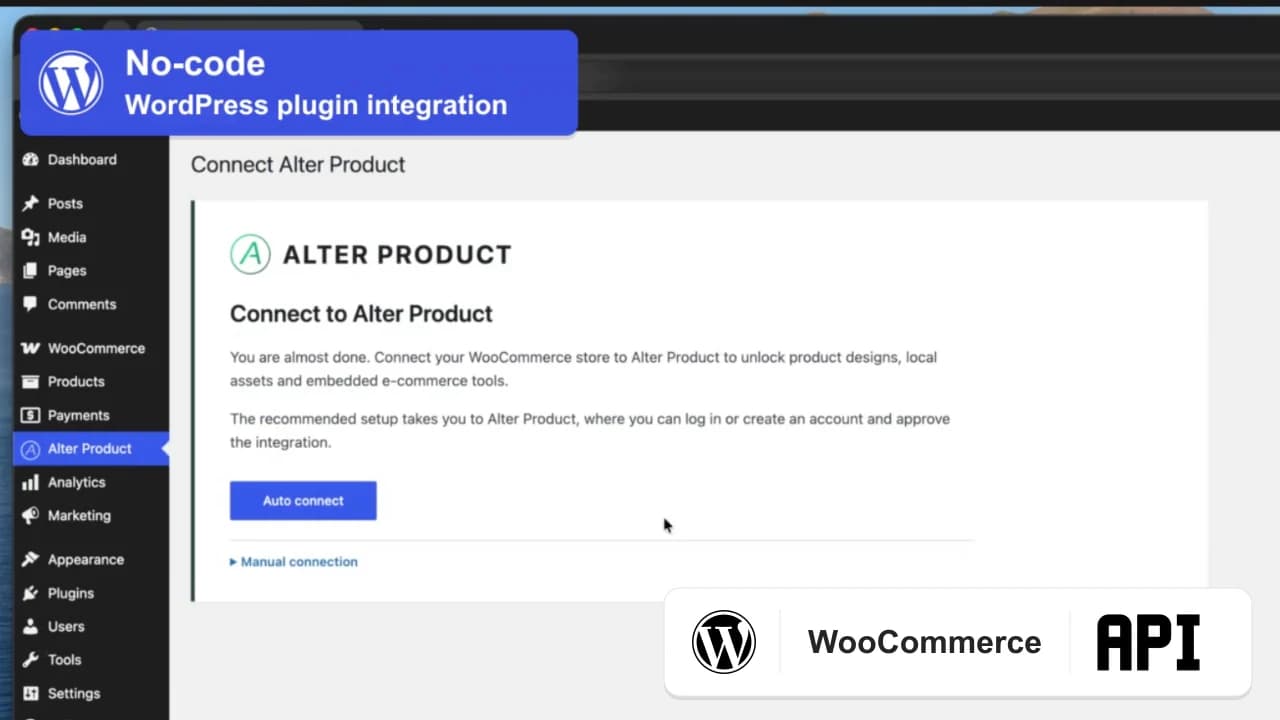
Quickly and easily connect your store to Alter Product through the plugin for WordPress + WooCommerce (no-code) or the API in your own technology stack (code). Connect the plugin to Printify or Printful in its settings. Order products designed by your customers through POD and track order and shipment statuses in the plugin. Connect your own OpenAI account to create graphics and templates faster with AI while staying in control of generation costs.
View details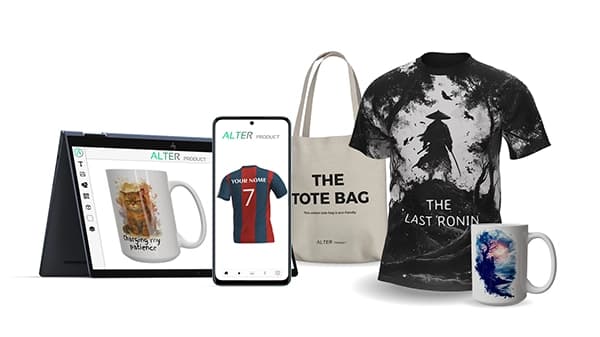
You do not need to build your own 3D infrastructure or outsource model creation. Launch a store with product personalization without building a complex backend. Create 3D models in Product Generator and generate artwork with AI. Save time and reduce the cost of preparing your first collection and every collection that follows. Alter Product charges no additional fees for handling your customers’ orders.
See details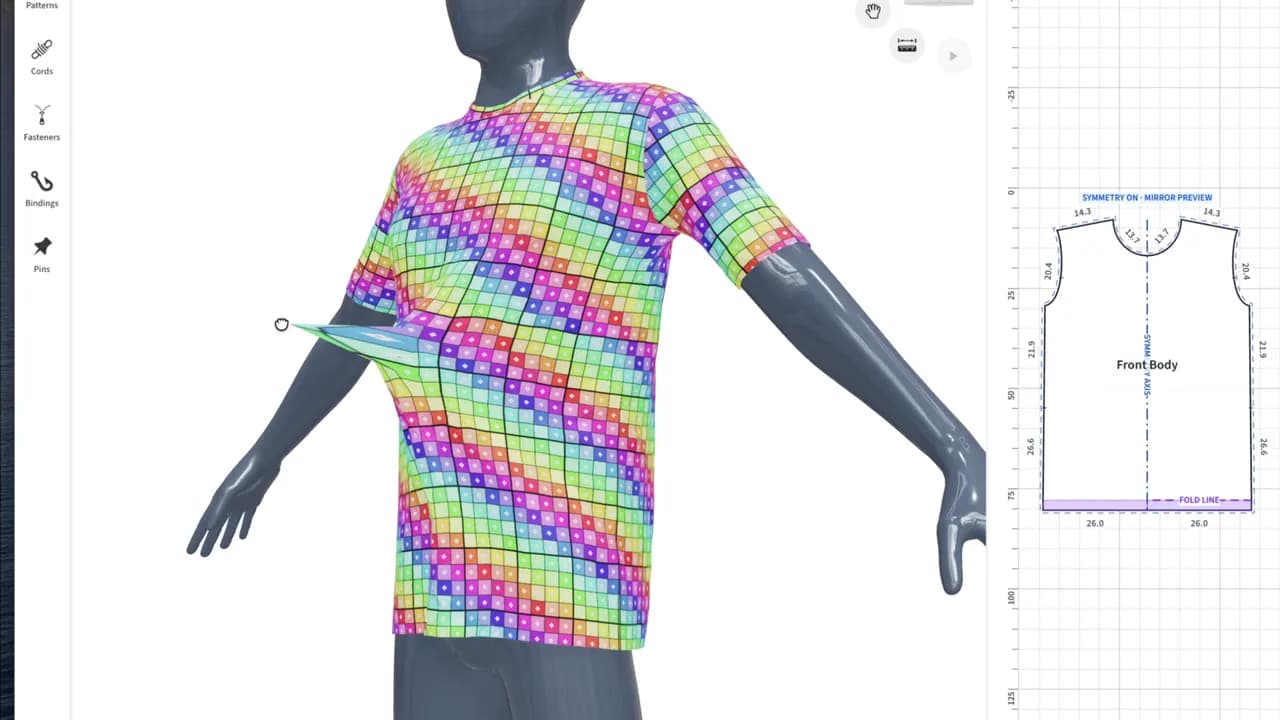
Easy to use, with advanced capabilities. Product Generator combines intuitive creation with precise editing of sewing patterns, seams and dimensions. Start with a ready-made template and use the built-in Easy Creator to speed up your work even further. Refine the details and check how the fabric drapes on a mannequin with physics simulation. Use the finished model in Product Designer and Alter Product’s e-commerce tools - including designs for all-over printing (AOP). Download sewing patterns from the generator in SVG and PDF formats for the sizes you have prepared.
View detailsLet us show you how easy and quick it is to create, customize, and render - and how Alter Product fits your workflow.
Practical guides to designing, personalizing, and selling products online.
Install the WordPress plugin, connect your account and download a starter model. Follow the screenshots and video, then test your first customizable product.
Continue reading: How to connect WooCommerce to Alter Product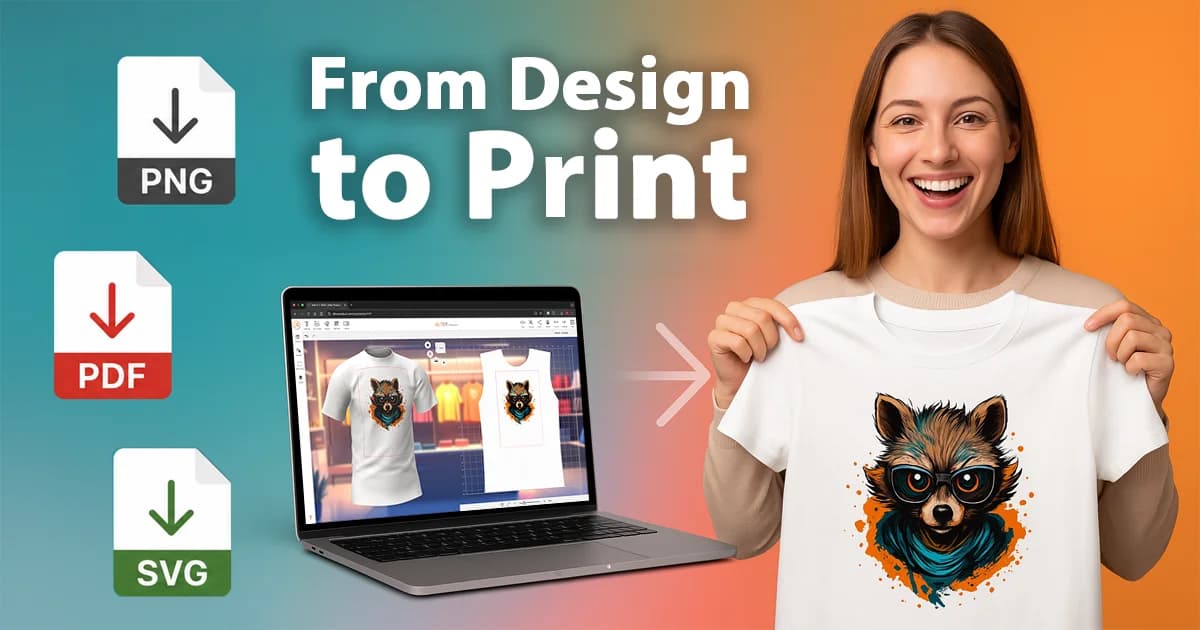
Learn how to export perfectly aligned, print-ready PNG, PDF, SVG files from both the Designer and the Customizer in Alter Product. Discover how to turn customer designs and product templates into ready-to-print artwork for sublimation, DTG, DTF, UV, and more.
Continue reading: Export Print-Ready Files from Customizer and Designer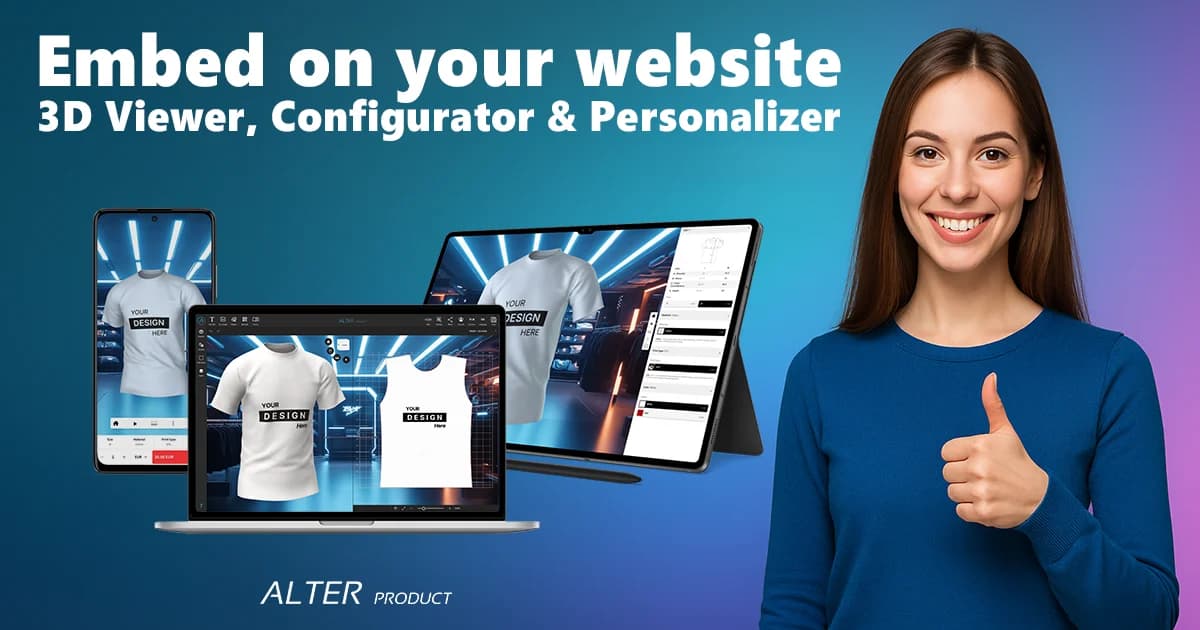
Learn how to embed a 3D Viewer, Configurator or Customizer into any e-commerce site. This step-by-step guide shows you iframe setup, styling parameters, postMessage integration and security best practices - with a quick 5-minute setup for your first demo.
Continue reading: How to Embed a 3D Viewer, Configurator & Customizer with iframe + postMessage (Quick 5-Minute Setup)
